RC AIRPLANE 3D
Fly over the skies of the city with an airplane, in full 3D, fulfilling mission objectives.
The less time, more score.
|
|
|
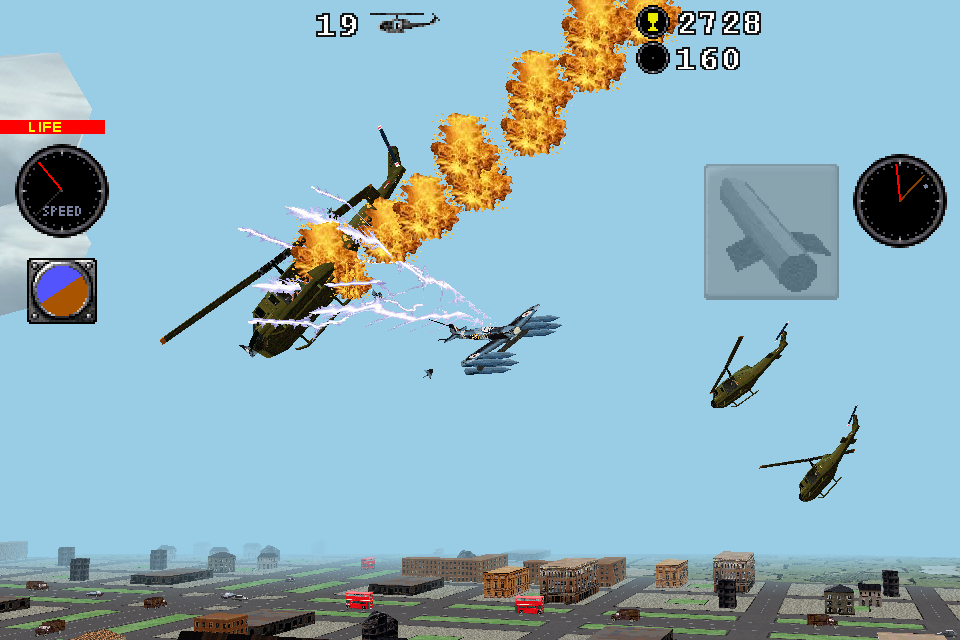
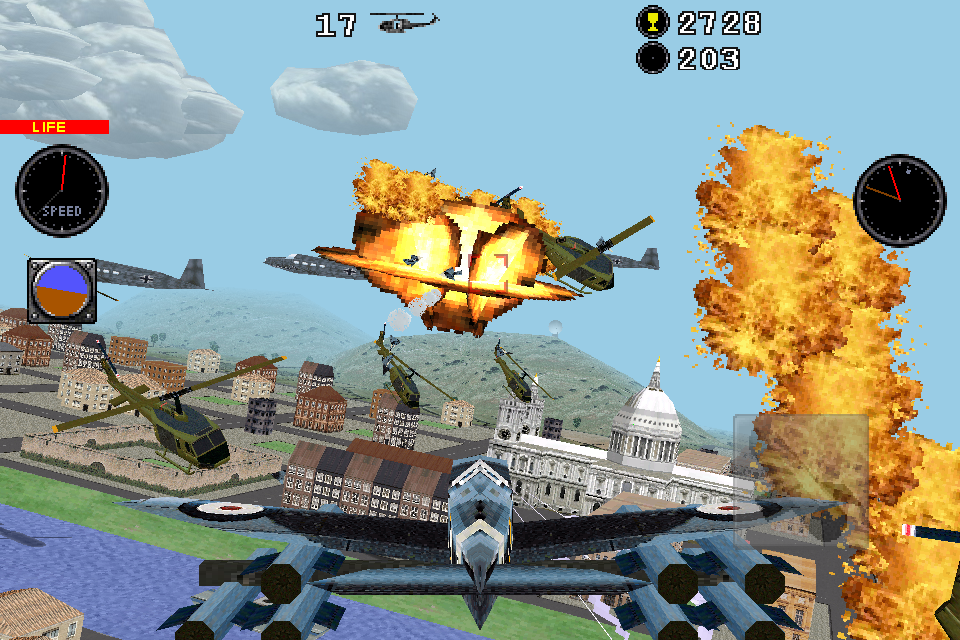
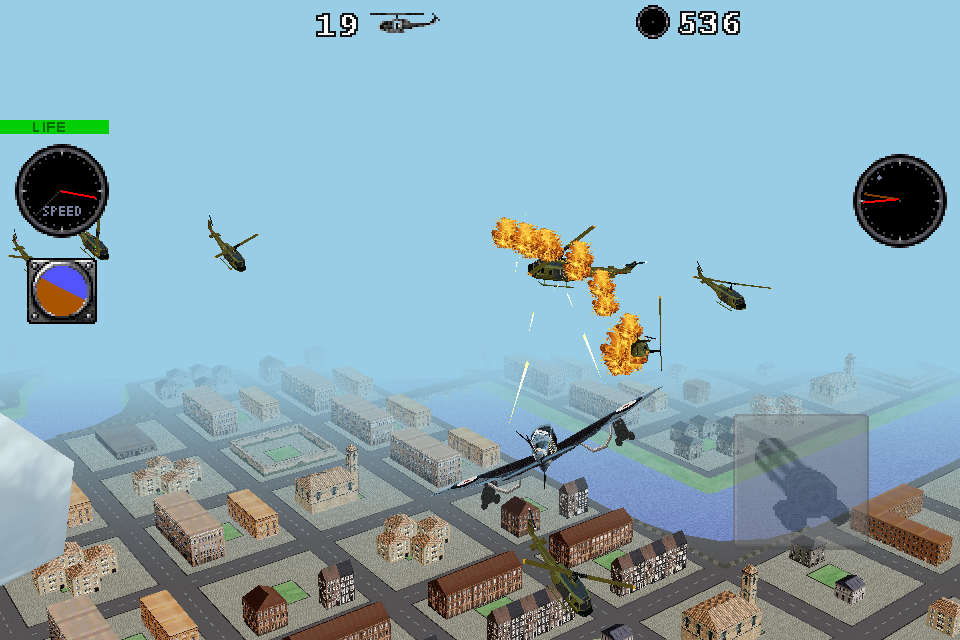
Your airplane is equipped with machine guns, missiles that veer toward the enemy, and the incredible ray weapon.
Destroy aircraft, enemy helicopters, antiaircraft, ground targets, vehicles in movement.
See how they fall in flames when they are destroyed by your powerful armament.
|
|
|
Go through 45 fun levels of increasing difficulty.
The first 15 levels you can select camera, the 15 following the camera is fixed on the roof of a skyscraper,
which increases the difficulty, but the hardest thing is to complete the last 15 levels,
in which you operate the airplane from the jeep in movement.
|
|
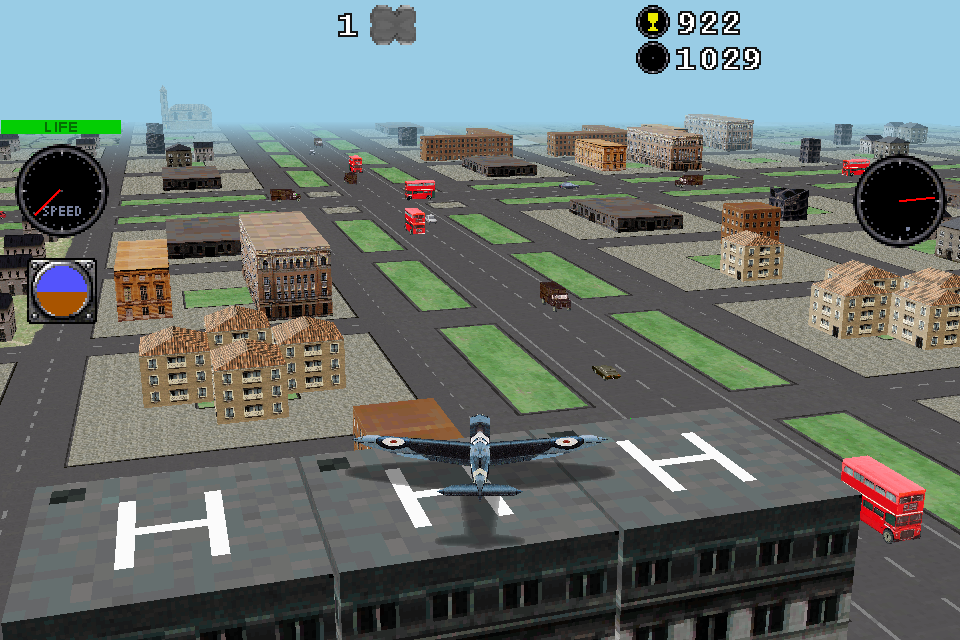
Challenge: Get land on the roofs of the narrow skyscraper
and observe the movement of the city at your feet. Only for advanced pilots.
Greater Challenge: Get land on a rooftop handling the airplane from another rooftop or from the jeep in movement.
|
|
|
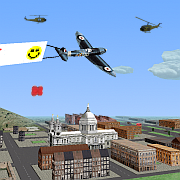
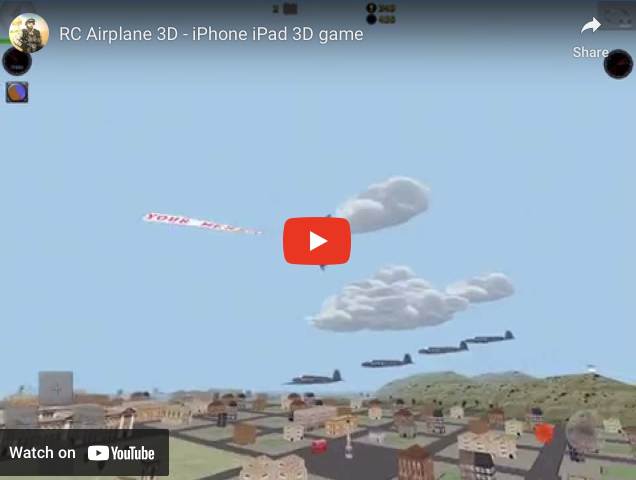
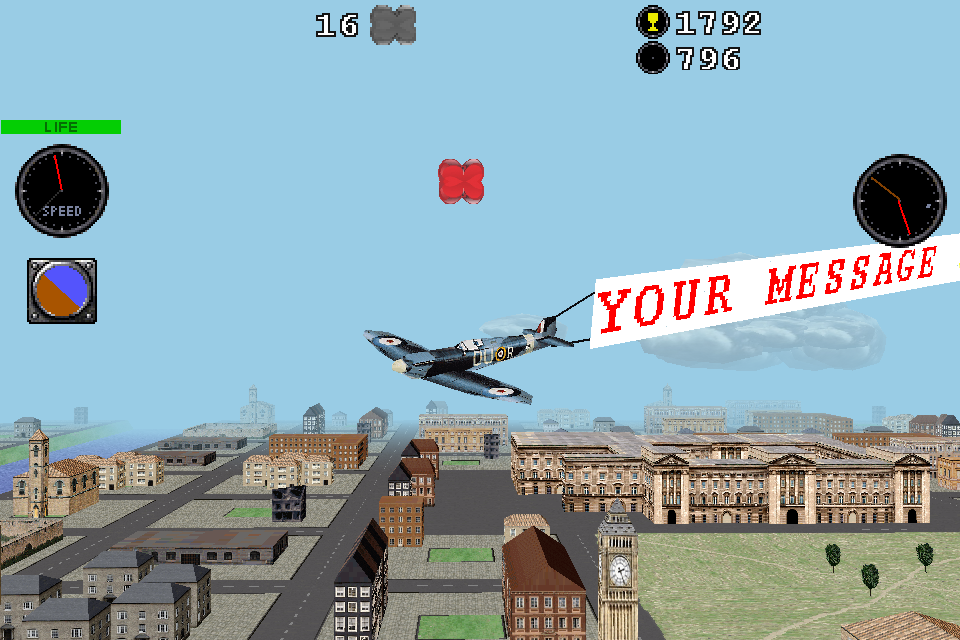
You can put the text you want, even faces and hearts.
|
|
AIRPLANE HANDLING
Controls on the left:
Button +: Accelerates
Button -: Brake
Button left and right: Small lateral displacements.
Controls on the right:
Jostic top: Down
Jostic below: Up
Jostic left: Leaning to the left
Jostic right: Leaning to the right
Left indicator: Plane speed.
Top right indicator:
When the red arrow is at 12, the plane points nearest enemy.
When the dot is at 12, the plane points nort.
Metalic indicator:
When is almost all brown, you are going to land, and when you see almost all blue, into the sky.
It also tells us how is the plane tilted sideways.
When plane goes too far and you can not see it, you can maneuver it only looking at the controls.
One trick is to pass with the plane above you, because after this is more intuitive handle it because it's like if you're behind.
|
|